HBOMB WEBSITE · V3.3 · PREVIEW ONLINE
CTRL+K QUICK LAUNCH · 1–4 FOCUS APPS · ESC CLOSE
HBOMB ENVIRONMENT
● ONLINE   WEB APPS / RELEASE
READY / SELECT APP
System online / Build something different

WEB APPS

Experimental Windows utilities, interactive web apps and digital experiences built under HBOMB R.G. A growing collection of tools designed to make the desktop feel alive.

Scroll / Explore
HBOMB Website / V3.3 PREVIEW
Four free Windows apps · Interface previews
Windows Downloads Available
01 / Current Builds

HBOMB Apps

Four free Windows downloads. Open Preview shows an interface simulation; Launch Web App opens the functional Time Core browser app. Browser versions of the other apps are coming soon.

APP / 01
Free Download
≈

Blue Wave

Free Windows live wallpaper with animated waves, your own MP4s, and automatic pausing for fullscreen games and apps.

Windows App
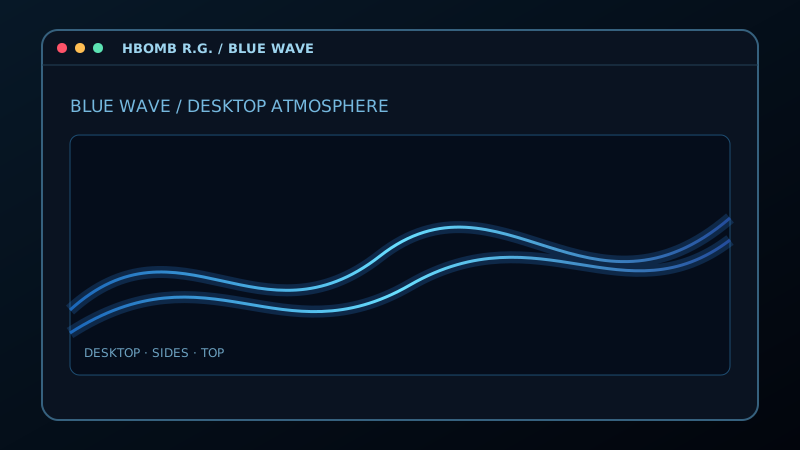
Blue Wave interface concept previewAnimated simulation
Interface simulation · Windows download available · browser launch coming soon
Windows version V2.1.0
Active
APP / 02
Free Download
24

Time Core

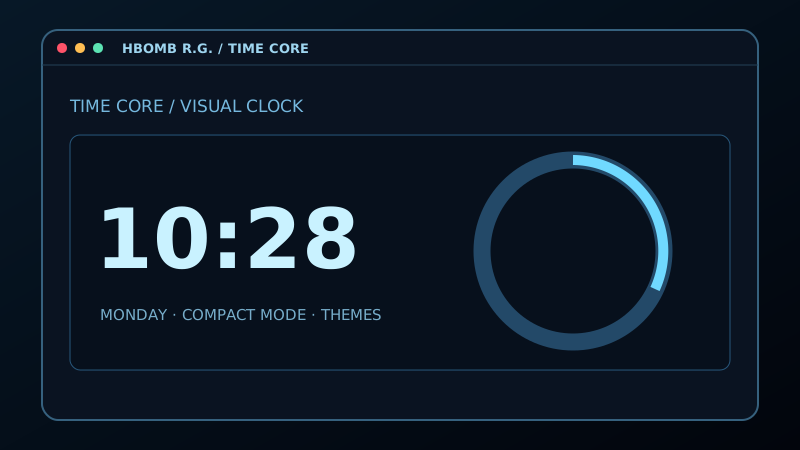
Six clock styles, countdown timers with audible alerts, saved looks, video backgrounds, and Compact, Normal or Fullscreen modes.

Windows App
Time Core interface concept previewAnimated simulation
Open Preview: interface simulation · Launch Web App: live clock and timers · Windows 2.3.0 download available
Windows version V2.3.0
Active
APP / 03
Free Download
°

HBOMB Weather

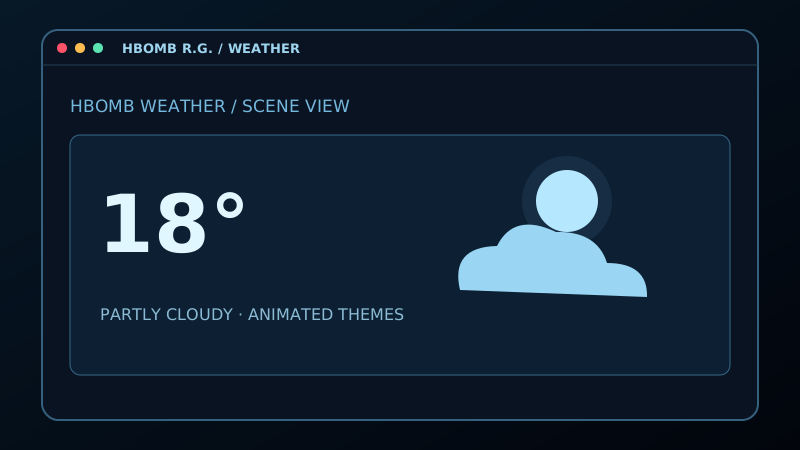
Weather information reimagined as a visual desktop experience with animated backgrounds, themes and compact viewing.

Windows App
HBOMB Weather interface concept previewAnimated simulation
Interface simulation · Windows portable ZIP available · browser launch coming soon.
Extract the entire ZIP before running HBOMB Weather.exe. Keep the resources and weather-assets folders alongside the executable.
Windows version V1.1.6
Active
APP / 04
Free Download
//

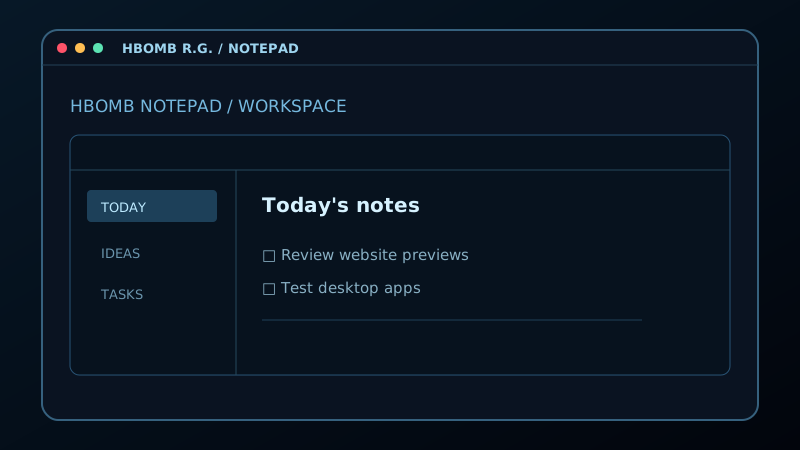
HBOMB Notepad

A focused HBOMB take on everyday notes and desktop utility, designed to eventually work alongside the rest of the app ecosystem.

Windows App
HBOMB Notepad interface concept previewAnimated simulation
Interface simulation · Windows download available · browser launch coming soon
Windows version V1.3.0
Active
Getting started / Windows

Windows installation help

Use the Download button on your app's card above, then wait for the download to finish. These files run on a Windows PC; the website's Open Preview buttons show interface simulations.

Portable downloads run from the file or extracted folder you keep, without a setup wizard. Setup installers guide you through installing the app. An .exe can be either type; follow the instructions for your app below.

Verify a download with SHA-256 (Windows 11)

Before running an EXE or extracting a ZIP, compare its SHA-256 hash with the published value for the exact filename and version. Checksum lists: Blue Wave 2.1.0 · Weather 1.1.6 · Notepad 1.3.0 (portable and setup) · Time Core 2.3.0.

  1. Open the folder containing your completed download in File Explorer. Right-click an empty area and select Open in Terminal, then use a Windows PowerShell tab. Administrator access is not needed.
  2. Run this command, replacing the quoted filename with the exact name of your downloaded file:
    Get-FileHash -Algorithm SHA256 -LiteralPath ".\HBOMB.Blue.Wave.2.1.0.exe" | Select-Object -ExpandProperty Hash
  3. Compare all 64 characters with the checksum beside that filename in the list above. Uppercase and lowercase letters are equivalent. For Weather, check the downloaded ZIP before extracting it. Notepad's installer and portable EXE have different hashes.
  4. If the hashes differ, do not run or extract the file. Download it again from the app's official link. If it still differs, report the filename and version.

A matching checksum confirms that your download matches the published file. It does not prove the app is safe, identify its publisher through a digital signature, or replace code signing. Keep Windows security protections enabled.

Blue Wave 2.1.0 — portable EXE
  1. Quit older Blue Wave copies from their system tray menu, and close other live wallpaper apps.
  2. Save HBOMB.Blue.Wave.2.1.0.exe in a folder you want to keep, then double-click it. No installation is required.
  3. If the controls are hidden, press Ctrl+Alt+H or use Blue Wave's tray menu. Keep any MP4 wallpaper you select in its original location.
Time Core 2.3.0 — setup installer
  1. If upgrading, quit Time Core from its tray menu first. Open HBOMB.Time.Core.Setup.2.3.0.exe from your Downloads folder (or your chosen save location).
  2. Follow the setup prompts and wait for installation to finish.
  3. Open Time Core from the Start menu after setup completes.
HBOMB Weather 1.1.6 — portable ZIP
  1. Right-click HBOMB-Weather-1.1.6-Portable.zip, choose Extract All, and extract the entire archive to a folder you want to keep.
  2. Open the extracted folder and double-click HBOMB Weather.exe. Do not run it from inside the ZIP.
  3. Keep the resources and weather-assets folders alongside the executable. Move the whole extracted folder together if you relocate the app.
HBOMB Notepad 1.3.0 — setup installer
  1. Open HBOMB.Notepad.Setup.1.3.0.exe from your Downloads folder (or your chosen save location).
  2. Follow the setup prompts and wait for installation to finish.
  3. Open HBOMB Notepad from the Start menu after setup completes.
Windows 11 troubleshooting
  • Download incomplete or file will not open? Check your browser's download list and available disk space. If the download failed, retry using the app's Download button above.
  • Weather reports missing files or assets? Extract the entire ZIP again into a new folder and run the app from there, with both resource folders beside it.
  • Windows shows a security warning or blocks the app? Stop and read the exact message. SmartScreen and Smart App Control assess apps and downloads; a warning should not be assumed harmless. Keep Windows security protections enabled. Do not add antivirus exclusions or bypass the block. Record the app version and warning text for a bug report; on a managed PC, ask your administrator.
  • Still unable to start? Close the app, restart Windows, and try again. Record your Windows version (press Win+R, type winver, then press Enter), app version, and exact error message when requesting help. Remove personal information from screenshots.

Microsoft guidance: Extract ZIP files · App & browser control · Smart App Control FAQ

RG
02 / Experimental

HBOMB Labs

This is where the stranger ideas live: interactive WebGL environments, desktop experiments, app-to-app concepts and tools that are still being pushed toward something new.

Orbit DeckInteractive WebGL experience
Multi-Boot UtilityPartition & boot workflow concept
Desktop ExperimentsWindows interaction concepts
WebGL SystemsBrowser-based visual experiences
03 / About

Built to Experiment.

HBOMB R.G. is evolving into a home for independent web apps, Windows utilities and interactive digital experiments. No giant software-company pitch — just ideas being built, tested and improved.

RUNNING / 0   ·   ALT+TAB SWITCH